
 iPhone 17 Series










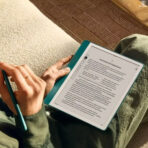

Kindle Scribe (2024)
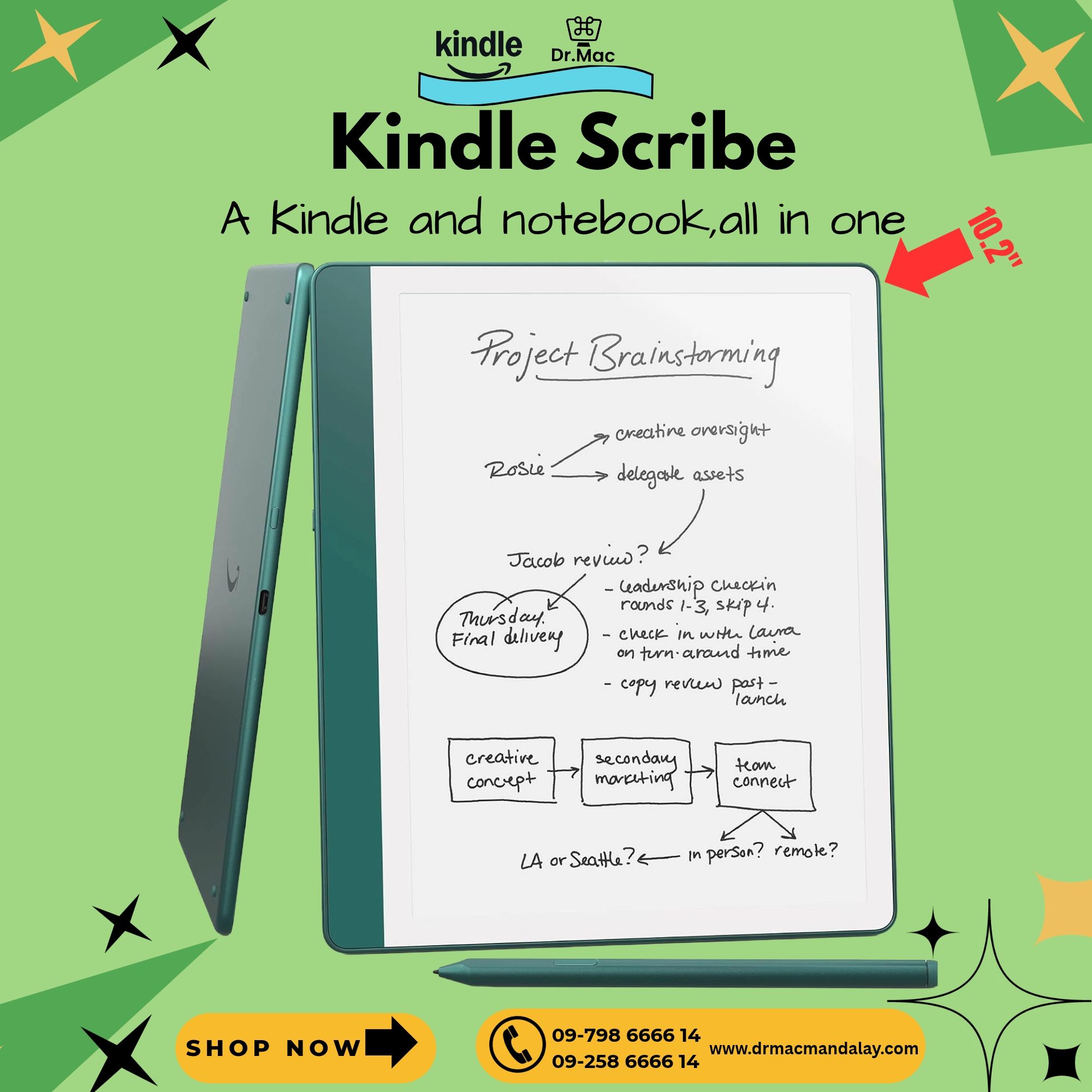
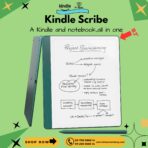
စာဖတ်ခြင်း၊ စာရေးခြင်းနဲ့ စိတ်ကူးအတွေးအမြင်တွေကို တစ်နေရာတည်းမှာ မှတ်တမ်းတင်နိုင်တဲ့ Kindle Scribe (2024)
Kindle Scribe က ပုံမှန် eBook Reader တွေလို စာဖတ်ရုံသာမက ကိုယ်ပိုင် Digital Notebook တစ်အုပ်လို အသုံးပြုနိုင်တဲ့ Model ဖြစ်ပါတယ်။ Kindle Scribe က ပုံမှန် eBook Reader တွေလို စာဖတ်ရုံသာမက ကိုယ်ပိုင် Digital Notebook တစ်အုပ်လို အသုံးပြုနိုင်တဲ့ Model ဖြစ်ပါတယ်။ Notebook တွေ အများကြီးသယ်ဆောင်စရာမလိုဘဲ စာဖတ်ခြင်း၊စာရေးခြင်းတွေကို Kindle Scribe တစ်လုံးတည်းနဲ့ ပြုလုပ်နိုင်ပါတယ်။ Social Media နဲ့ Notification တွေမပါဝင်တာမို့ စာဖတ်ခြင်း၊စာလေ့လာတာတွေကို အာရုံလွှင့်မရှိဘဲ ပို့မိုအာရုံစိုက်နိုင်ပါတယ်။
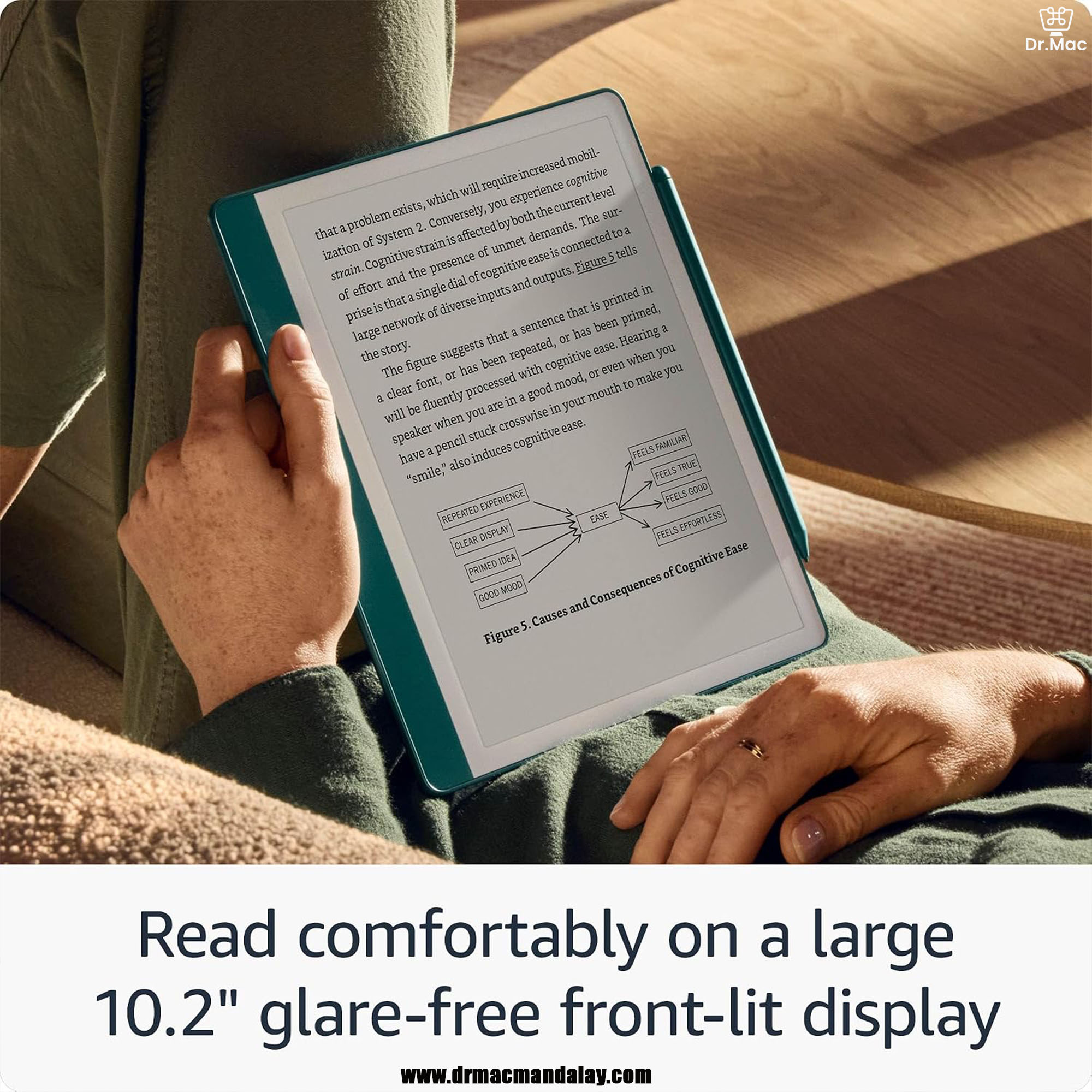
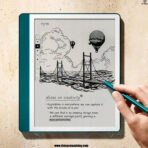
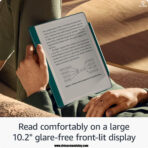
10.2” အရွယ်ရှိတဲ့ Screen Size နဲ့ 300ppi Glare-Free E-Ink Display ကို အသုံးပြုထားပါတယ်။ Premium Pen နဲ့ Screen ပေါ်မှာ ရေးသားတဲ့အခါ စာရွက်ပေါ်မှာ Pen နဲ့ ရေးသားနေရသကဲ့သို့ သဘာဝကျတဲ့ Writing Experience ကို ရရှိစေပါတယ်။
Pen က Battery မပါတဲ့အတွက်ကြောင့် အားသွင်းစရာမလိုပါဘူး။ Screen ဘေးမှာ Magnetic နဲ့ ကပ်ထားနိုင်တာကြောင့် အချိန်မရွေး အဆင်သင့်အသုံးပြုနိုင်ပါတယ်။
AI Notebook Tools ပါဝင်တာကြောင့် လက်ရေးနဲ့ ရေးသားထားတဲ့ မှတ်စုတွေကို ဖတ်ရလွယ်ကူတဲ့ Text အဖြစ် ပြောင်းလဲနိုင်သလို Notes တွေကို အကျဉ်းချုပ်ခြင်း၊ စာသားအရှည်အတိုနဲ့ ရေးသားပုံစံ ပြောင်းလဲခြင်းတို့ကိုလည်း ပြုလုပ်နိုင်ပါတယ်။
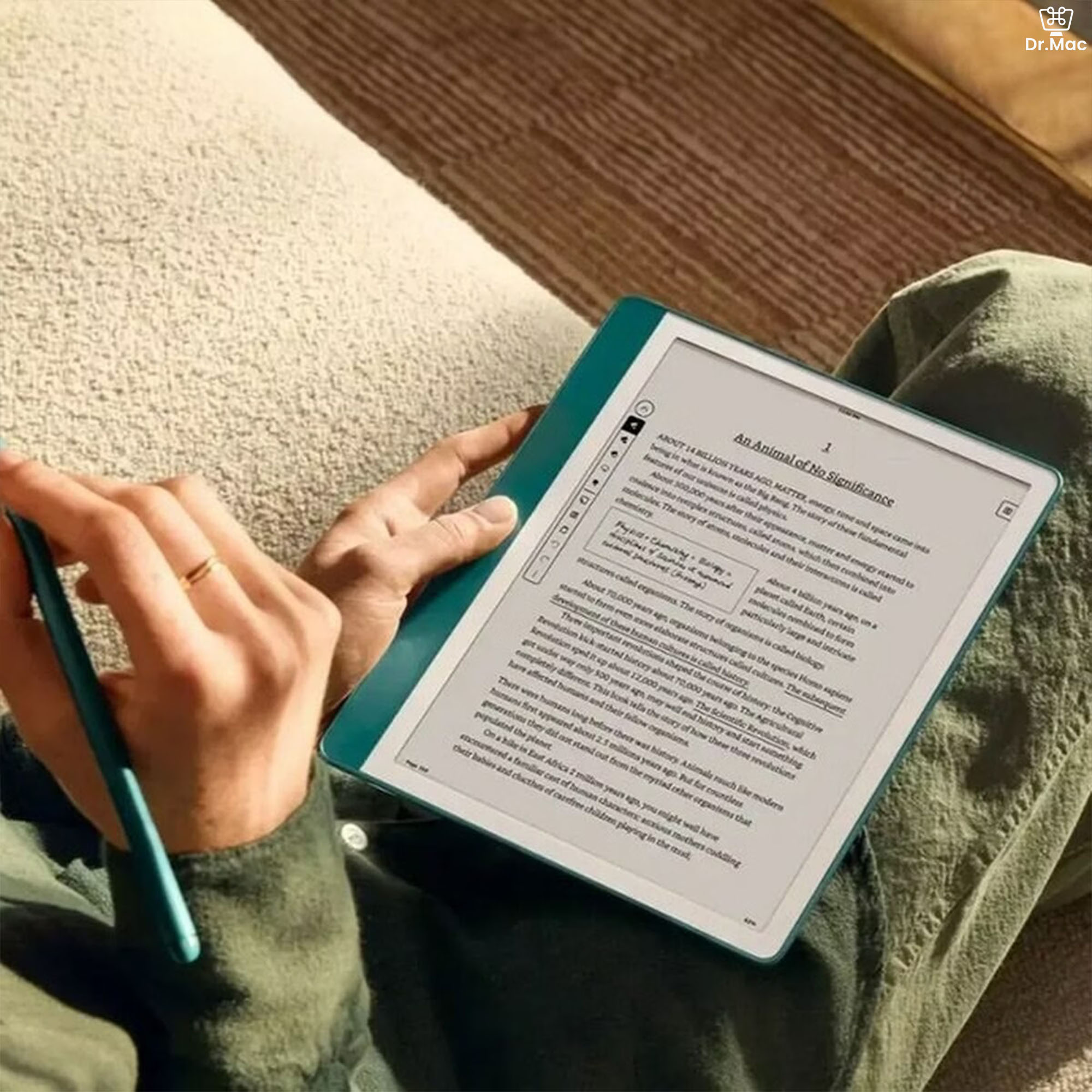
Active Canvas Feature ကြောင့် စာအုပ်ဖတ်နေရင်း အရေးကြီးတဲ့အချက်တွေကို စာမျက်နှာပေါ်မှာ တိုက်ရိုက်မှတ်သားနိုင်ပါတယ်။ မှတ်စုရေးဖို့ နေရာလိုအပ်လာရင် Margin ကို ချဲ့နိုင်ပြီး မူရင်းစာမျက်နှာအတိုင်း ပြန်ကြည့်ချင်ရင်လည်း ပြန်လည်ချုံ့နိုင်ပါတယ်။
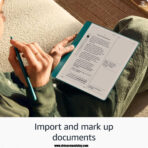
Send to Kindle ကနေတစ်ဆင့် Document နဲ့ PDF ဖိုင်တွေကို ထည့်သွင်းနိုင်ပြီး ဖိုင်ထဲမှာ တိုက်ရိုက်ရေးသားခြင်း၊ Highlight လုပ်ခြင်းနဲ့ မှတ်ချက်ထည့်ခြင်းတို့ ပြုလုပ်နိုင်ပါတယ်။စာအုပ်ပေါင်း 3.5 million ရှိတဲ့ စာအုပ် စတိုး၊ နေ့စဉ်စာအုပ်ပေါင်း ၂၀၀၀၀ လောက် အသစ်တင်တဲ့ စာအုပ်စတိုး၊ ဒီ Store က စာအုပ်တွေကို ဖတ်ချင်ရင်တော့ ဒီလိုလက်ထဲမှာ အလွယ်တကူ သယ်သွားနိုင်တဲ့ Amazon Kindle Paperwhite ပဲ အကောင်းဆုံးပါ။
300PPI display နဲ့ အသစ်ထွက်ရှိလာတဲ့ kindle Paperwhite က အခြား social media တွေမပါဝင်လို့ စာဖတ်ခြင်းကို အကောင်းဆုံး အာရုံစိုက်လုပ်ဆောင်နိုင်မှာပါ။ နည်းပညာကြောင့် social media အသုံးပြုများလို့ စာဖတ်အားနည်းလာတဲ့ ဒီဘက် generation တွေကို စာဖတ်ဖို့ တွန်းအားပေးမဲ့ အကောင်းဆုံး နည်းပညာ ပစ္စည်းပါပဲ။
Display က တကယ့် စာအုပ်စာရွက်အတိုင်းပါ။
နေရောင်ထဲမှာ စာဖတ်ရင် အခြား Tablet ထက် သာတဲ့ အချက်က Anti-Glare ပါဝင်တာပါ။
စာဖတ်ခြင်း တစ်ခုတည်းကိုပဲ ပြိုင်မယ်ဆိုရင် အကောင်းဆုံး E-Book Reader ပါ။
Battery က အားအပြည့်သွင်း (၃) ပတ်နှင့်အထက် အသုံးခံပြီး စာအုပ်ပေါင်းများစွာ သွားလေရာ သယ်သွားနိုင်ပါတယ်။
ခေတ်တွေဘယ်လိုပြောင်းပြောင်း စာအုပ်စာပေဆိုတာ လူ့မိတ်ဆွေပဲ မဟုတ်ပါလား
Kindle eBook Reader ဝယ်ယူသူများအတွက် english, မြန်မာ, ဆေးစာအုပ် များ နည်းပညာစာအုပ်များ စုစုပေါင်း ၄၅၀၀၀ ကျော်လက်ဆောင် ရရှိမည်ဖြစ်ပါသည်။
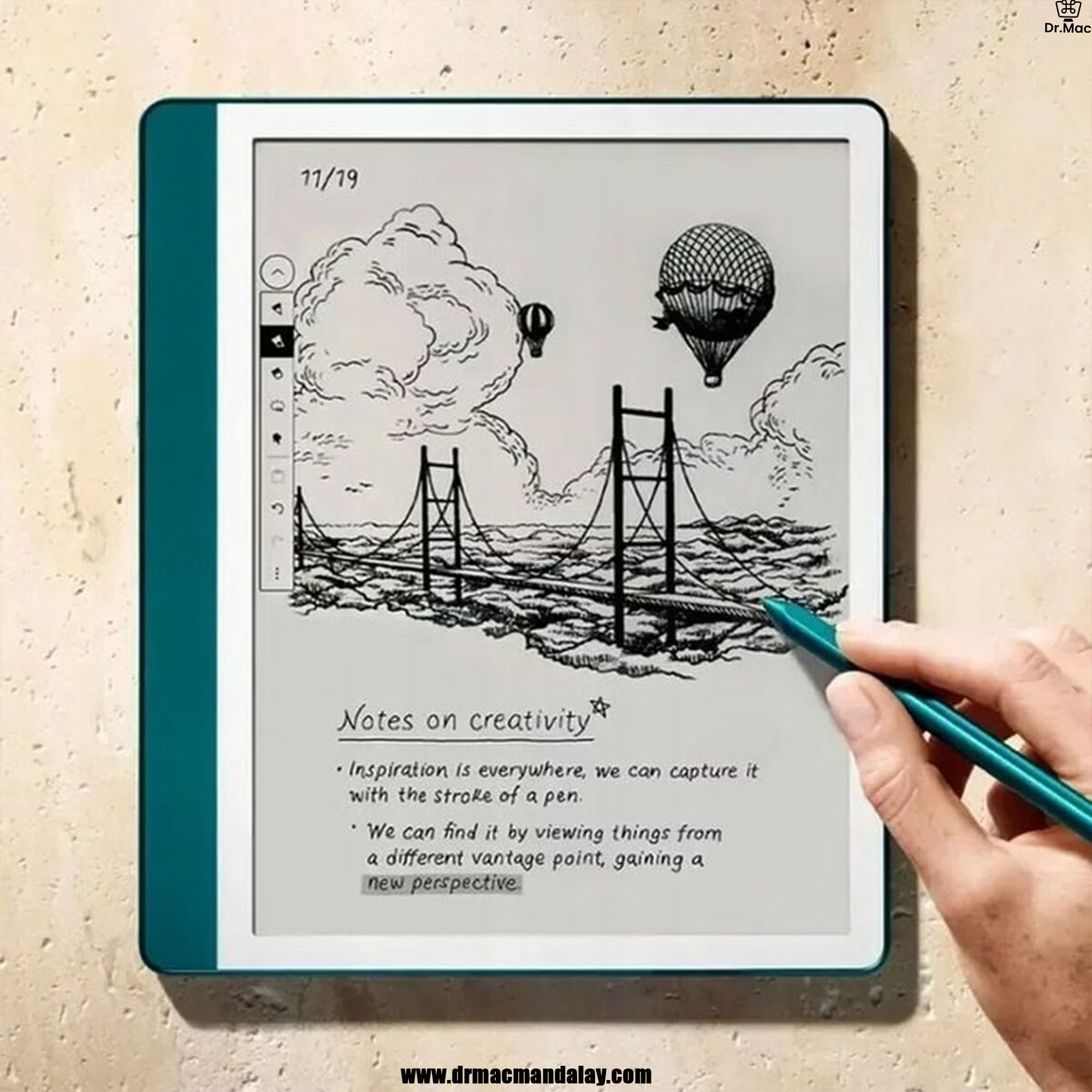
Real paper feel. Zero distractions. Pure writing.
Write without distractions, just like paper, on a device that feels like it. See, feel, and hear your thoughts meet the page with every stroke of the Premium Pen across the textured screen.

The Premium Pen works instantly, with no charging or setup needed. With a soft-tipped eraser and customizable shortcut button, writing feels natural from the first stroke.

Get more out of your notes

Stay organized, effortlessly
Choose from a variety of templates to take meeting notes, create to-do lists, and journal distraction-free. Keep all your writing organized on one device. You can also convert to text and share via email with your contacts.
Save time with AI notebook tools
Recap your notes easily with the notebook summarization feature, and customize the length and tone of your notes. You can also refine the text, converting your handwritten words into a script font for a more elegant look.
Take notes in documents and books
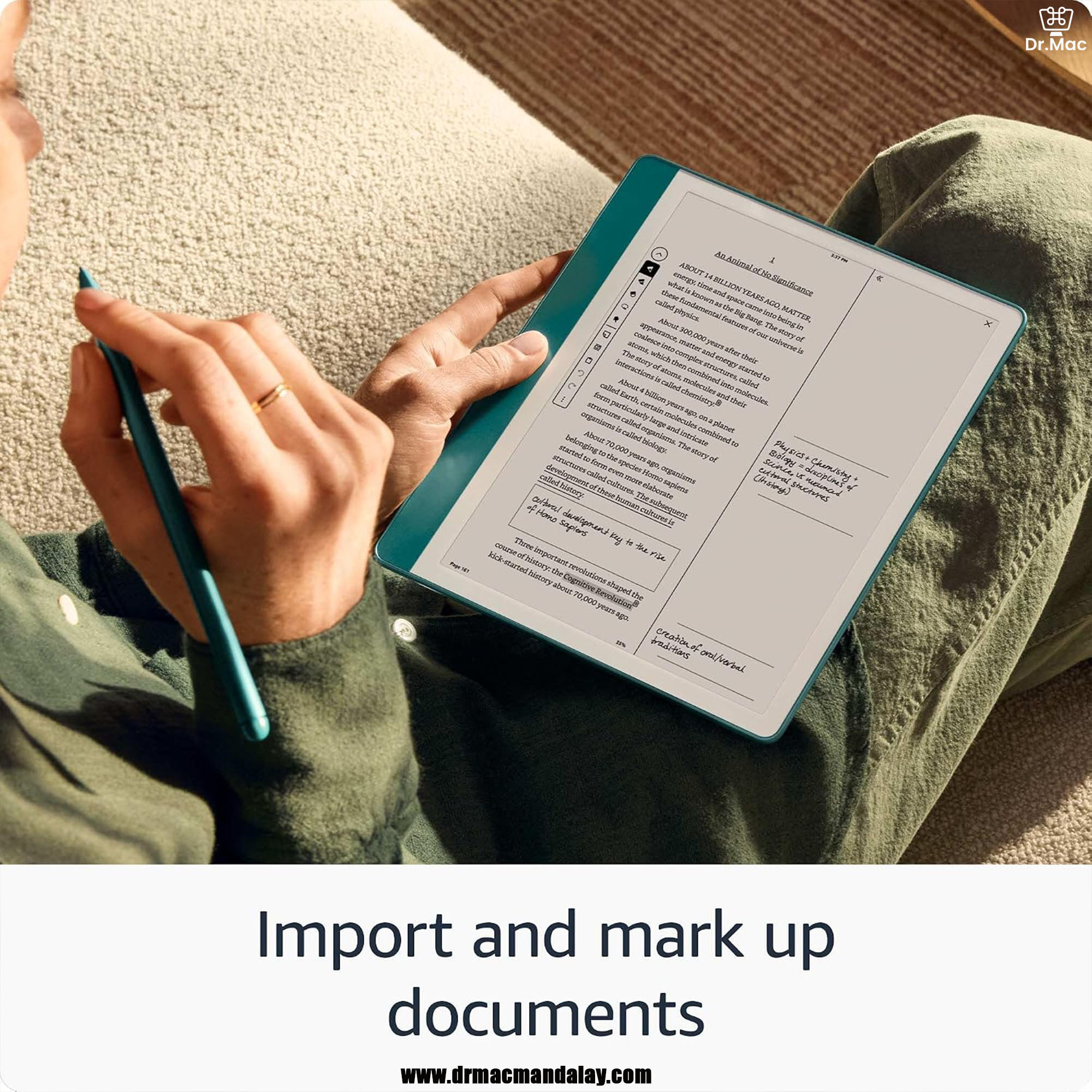
Mark up documents
Easily import documents and PDFs using Send to Kindle in your desktop web browser or the Kindle app. Mark up your documents directly on the page.

Write freely with Active Canvas
Create more space for your notes with Active Canvas, so you never have to cut a thought short. Just start writing on the book page and Active Canvas will adjust the text to fit alongside your notes. You can also take notes in book margins, expand them for longer notes, or collapse them to see the original page. Your notes are tied to the text, so they’re always in context, even if you change font sizes.
- A digital notebook for all your writing needs – Replace your stack of notebooks with a single device purpose-built for writing, reading, and thinking. No notifications or social media.
- With AI tools to transform your notes – Convert messy handwriting into readable font, summarize your notes, and change their length and tone with built-in AI notebook tools.
- Feels like pen on paper – See, feel and hear your thoughts meet the page with every stroke of the Premium Pen. No need to set up or charge, just start writing.
- Easily import and mark up documents – Import documents and PDFs using Send to Kindle, and mark them up directly on the page.
- Capture insights as you read – Just start writing on a book’s page and Active Canvas will create space for your notes. Expand the margins to add more notes, or collapse them to see the original page.
- Read comfortably in any light – The 10.2″ glare-free, 300 ppi front-lit display is designed for reading and writing anytime, indoors and out.
- Power that keeps up with your ideas – Read for months, write for weeks, all on a single charge.
Dr.Mac Website
—————————————
TikTok
https://www.tiktok.com/@dr.macappleproductstore
Dr.Mac Telegram Channel
———————————————
Dr.Mac’s iOS Apps Store Link
Dr.Mac’s Google Play Store Link
——————————————
Dr.Mac Gear
—————————-
Open
⌚️- 9:00𝖆𝖒 – 6:00 𝖕𝖒 (Open Daily)
—————————-
Dr.Mac Address
Yay Ni Canal Street (Bt 71st&72nd Street), Between 38th &39th Street, Mandalay
ရေနီမြောင်းလမ်းမကြီး (၇၀နှင့် ၇၁လမ်းကြား) ၃၈လမ်းနှင့် ၃၉လမ်းကြား၊ မန္တလေးမြို့
http://bit.ly/2FW80h7 (Google Map)
https://apple.co/3gxHWJw (Apple Map)
——————
Dr.Mac’s Youtube Subscriptions ပြုလုပ်ထားပေးပါ။
—————————
Ph- 09798666614, 09258666614
Viber- 09798666614
Facebook Page- Dr.Mac
—————————-
Dr.Mac’s Viber Channel Link
Website Social Media Link
Facbook Page
 MacBook Air